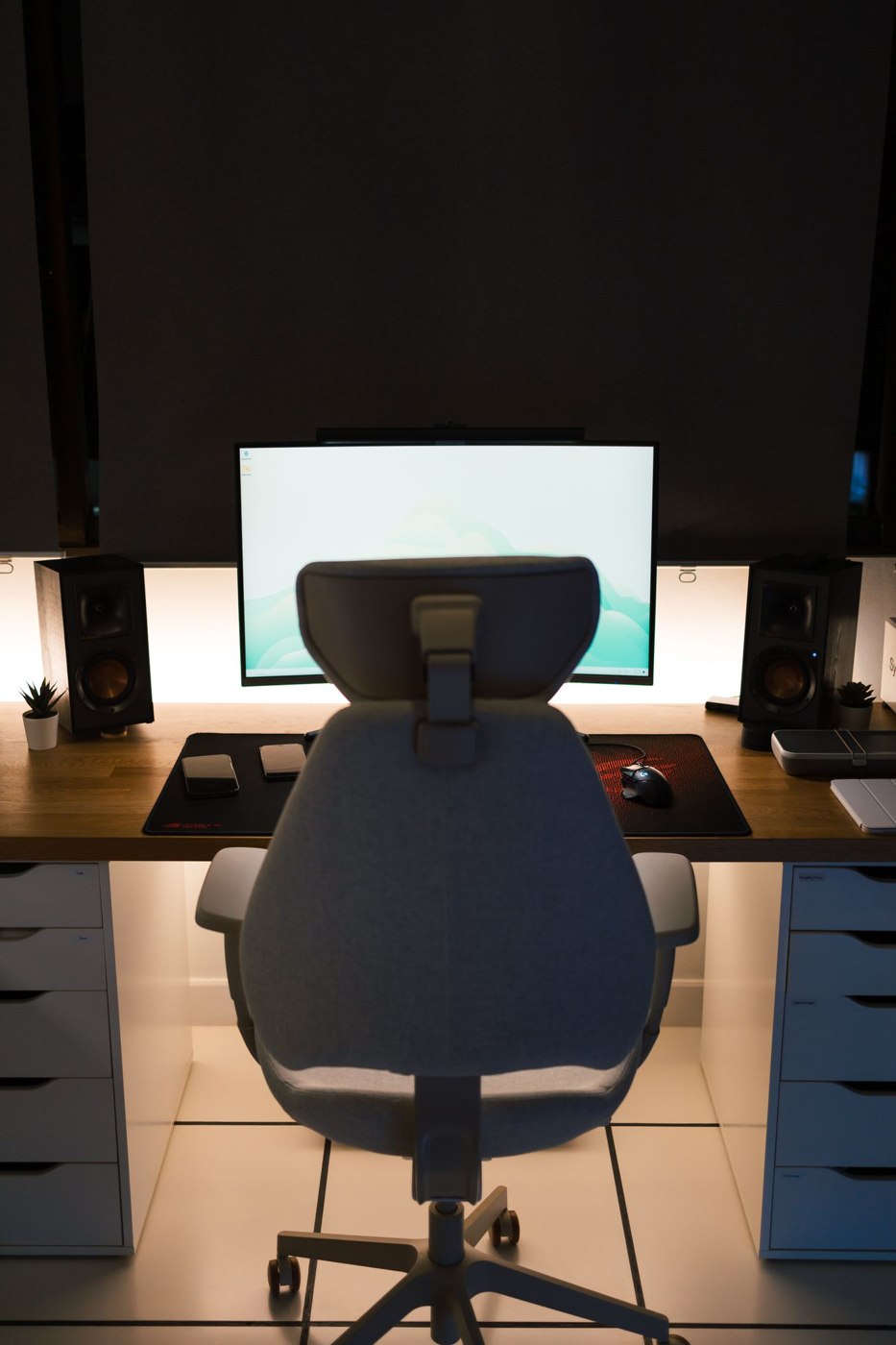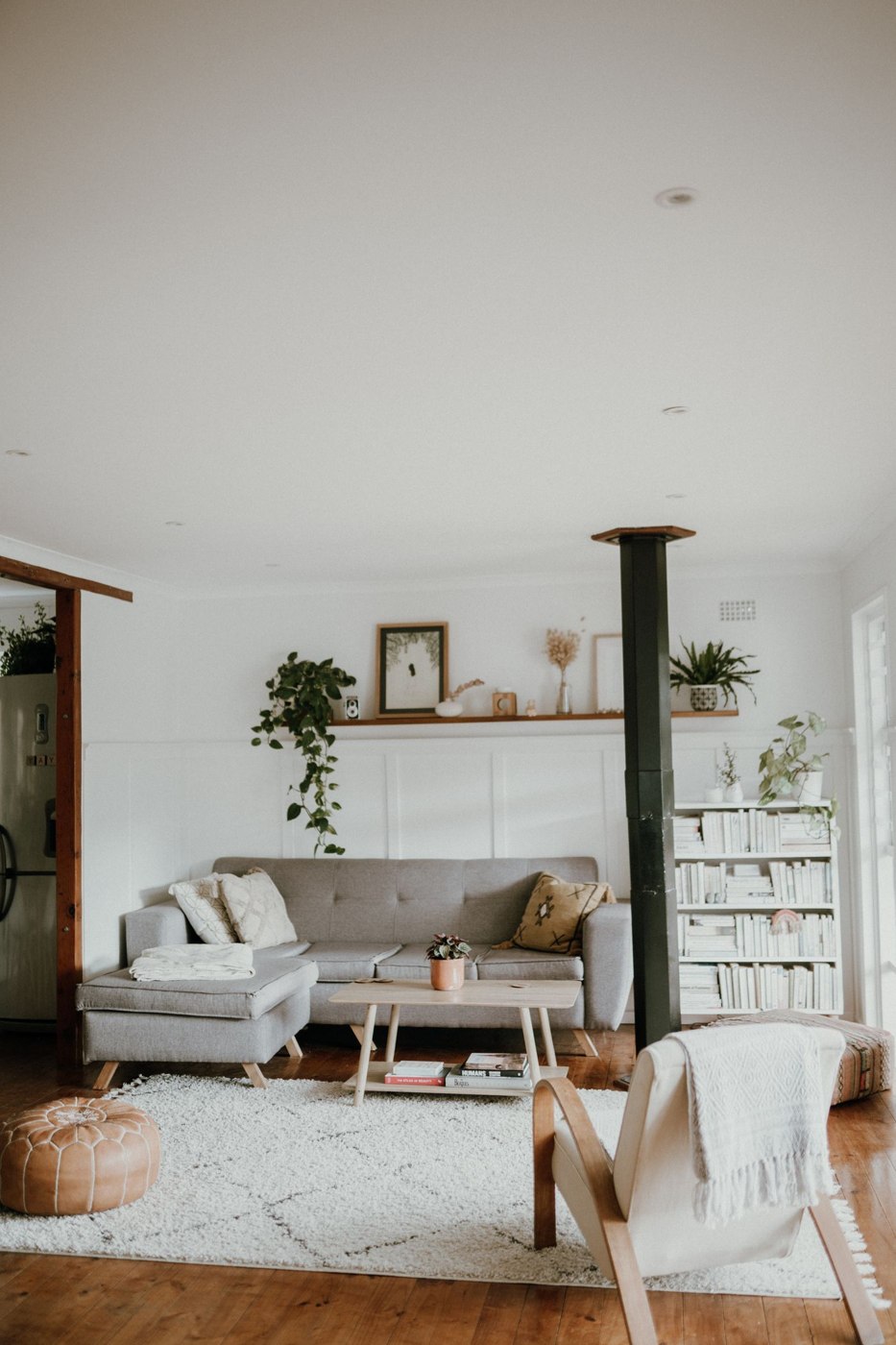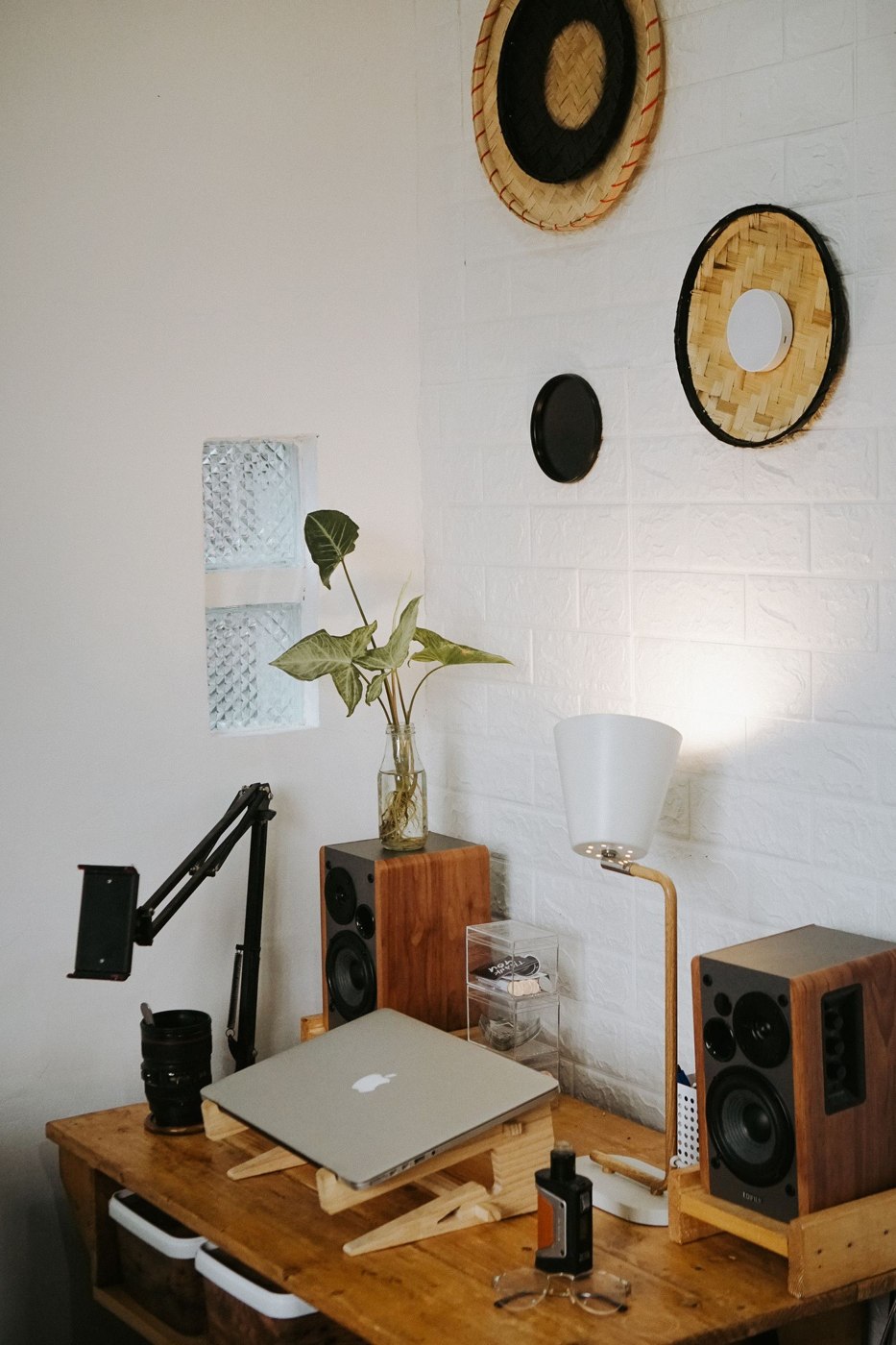
A home desk does not need a separate room, but it does need a clear boundary. When work spreads onto the dining table, sofa, and floor, ending the day becomes a storage problem. Begin with the tasks that require a surface and give those tasks enough space to happen in one place.
Measure the work, not just the laptop
Set out the equipment used during a normal session: screen, keyboard, pointing device, notebook, and any reference papers. Check where your hands and forearms naturally rest. A narrow shelf can hold a laptop yet leave too little room for comfortable work or for changing position.
Think about the duration and frequency of use. A surface used to answer one message has different requirements from a workstation used for hours. If a laptop is raised to make the screen easier to see, separate input devices can allow the keyboard and pointing device to remain in a suitable position.
Fit the chair and screen together
OSHA’s workstation guidance emphasizes supported feet and back, comfortable access to input devices, and a screen position that avoids awkward neck posture. Adjust the whole arrangement together rather than solving the monitor height while leaving the chair too low. Keep sufficient space beneath the desk for your legs.
Check reflections at different times of day. A window directly behind the screen or behind your seat may create glare. Try turning the desk or using an existing window covering before buying an additional light. A task lamp can help with paper work without requiring the whole room to be brightly lit.
Test a complete work session
For a compact dining-room workstation, imagine the full sequence rather than only the typing position. You bring out the laptop, connect a charger, open a notebook, and join a call. Later you need to read a paper document and write beside it. Lay out these objects during the trial. If one task always requires moving the keyboard onto your knees, the surface is not supporting the work you actually do.
Check the transition back to shared use as carefully as the working arrangement. A portable box might hold the notebook, headset, and input devices, while the laptop has a separate secure shelf. Leave space in that box for tomorrow’s unfinished paper instead of packing it completely full. Decide where the charger stays and whether its lead can remain safely in position. Try packing away once before treating the layout as finished. If it takes numerous trips or leaves equipment exposed to food and drinks, simplify the storage or move the workstation. The aim is a repeatable setup, not a daily test of how carefully everything can be balanced.
Keep the footprint contained
Choose one nearby place for the items that leave the desk after work. A small drawer, shelf, or portable box may be enough. Store items according to how often they are used; a printer used monthly need not occupy the most accessible part of the surface.
Route power cables beside the furniture rather than across a path. Keep outlets and equipment ventilation accessible. If safe power is not available at the preferred location, reconsider the location or seek professional electrical help instead of making an extension cord part of the room’s walkway.
Give the room back
End with a short closure: save the work, put loose papers together, and return shared surfaces to use. This is not a requirement to erase every sign of employment. It is a way to stop unfinished work from physically occupying every activity that follows. Keep the arrangement simple enough that packing away does not become another lengthy task.