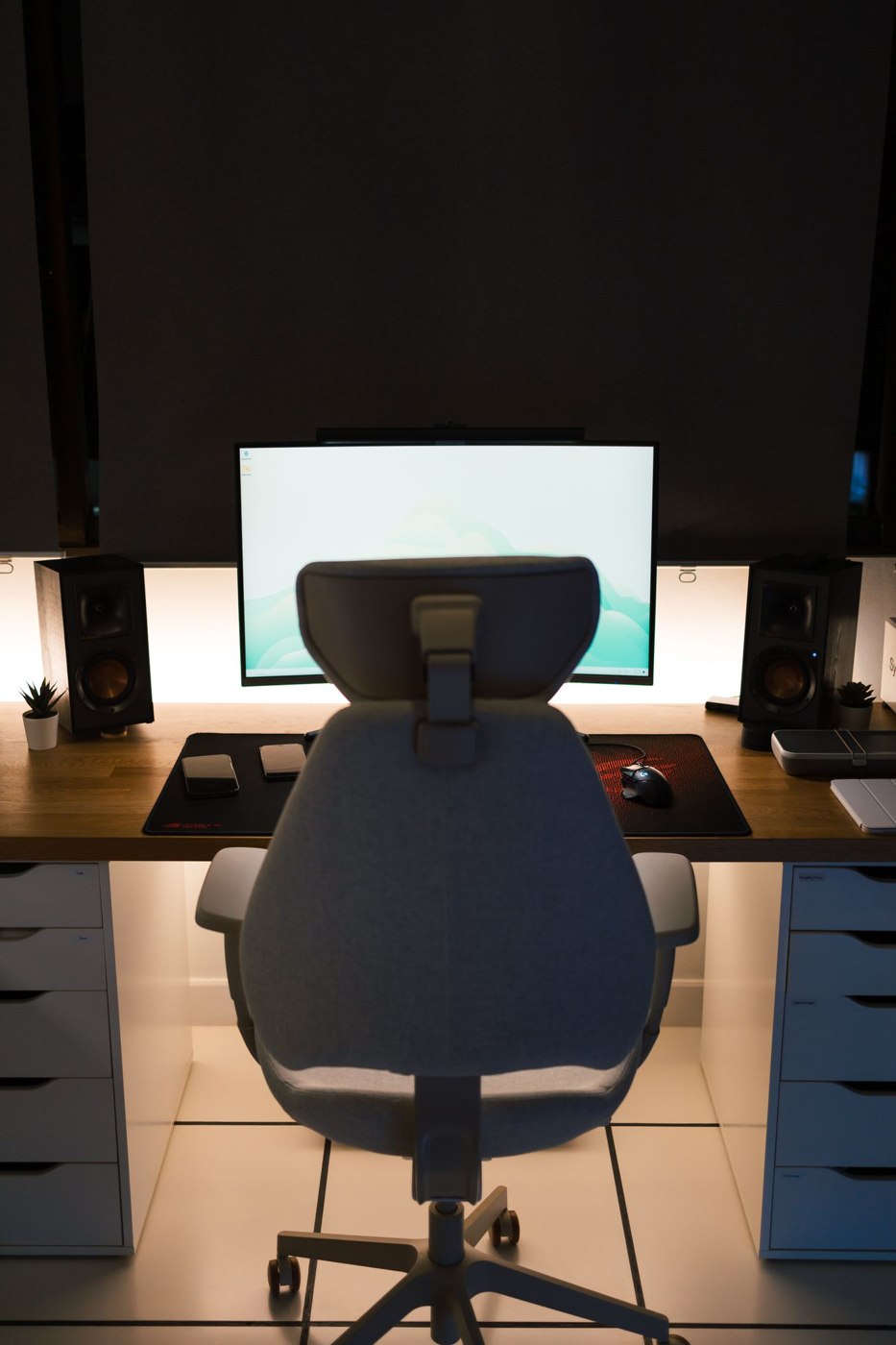
A shared desk can work for different people when its chair is easy to adjust. The important question is not whether a chair looks like office furniture, but whether each person can use the desk with supported feet, a supported back, and space to move. Try the chair at the actual desk whenever possible.
Start with the shortest and tallest users
Ask each regular user to sit down and reach for the keyboard or usual work materials. Check whether the seat can move to a useful height without leaving feet unsupported. A suitable footrest may help when the desk is fixed, but it should be stable and large enough to use comfortably.
Look at seat depth as well as height. A seat that suits one person may press behind another person’s knees or make reaching the backrest difficult. Adjustable seat depth can help, but only if the adjustment range suits the people involved. Test the controls rather than assuming that more levers mean a better fit.
Compare adjustments with a short trial record
When comparing chairs, let each user make their own adjustments rather than having one person choose settings for everyone. Try a sequence of ordinary tasks: typing, writing on paper, reaching for a notebook, and standing up. A brief note such as “armrest catches the desk at my height” is more useful than a general rating of comfortable or uncomfortable. It identifies something that can be checked against another model.
Record any adjustment that reaches its limit. If the seat is already at its lowest setting and a person still cannot use the arrangement comfortably, there may be little room to adapt it later. Also check whether the controls can be operated while seated and whether they hold their position. A chair that fits both users but requires turning it upside down for every change is unlikely to work well in practice. If buying without an in-person trial, read the dimensions and return conditions carefully and keep the packaging until the shared setup has been tested. Appearance and advertised adjustability do not establish that a specific desk-and-chair combination will suit the household.
Check the desk connection
Armrests should not stop the chair from approaching the desk. If they collide with the underside, the user may end up reaching forward throughout a session. Check the clearance with the chair at each person’s normal height. Also look for drawers or supports that restrict knee room.
OSHA describes a supported back, supported feet, and relaxed working positions as useful workstation features. No chair removes the need to change position and take breaks. Avoid judging a model by claims that one shape guarantees comfort for everyone.
Consider the floor and movement
Use casters or feet suitable for the floor and follow the manufacturer’s recommendations. A chair that rolls unexpectedly or catches on a floor covering can be inconvenient and unsafe. Test getting in, standing up, and turning toward frequently used storage. Keep nearby cables clear of the base.
Check the chair’s stated user limits and assembly instructions. Tighten and maintain it as directed, and stop using it if a structural part becomes unstable. A shared chair receives repeated adjustments, so controls should be reachable and understandable rather than delicate or hidden.
Make the handover easy
Each person can note a few settings, such as seat height and backrest position, without creating a complicated measurement chart. Leave the area clear enough for the next person to adjust the chair before starting. If one shared model cannot accommodate everyone adequately, separate chairs may be more workable than insisting on a single compromise.